Photo Challenges: September 2011
Photo Challenges:
September 2011
It’s Hip to Be Square!
In the digital world, you don’t have to own a medium format camera to create square images. A little cropping afterwards will do it! Just set your crop tool to 1×1 in Lightroom, or hold down the Shift key in Photoshop while cropping, and Presto! You have a square image.
It’s good to remember that we don’t always have to accept the aspect ratio that comes out of our cameras as the one in which we present our image. You should choose the format that best suits your image.
There’s something appealing about the balance and symmetry of a square crop. Does every image work as a square, though? No. That’s what this month’s challenge is all about. Find those images that are improved and enhanced with a square format. Sometimes, symmetrical subjects can work well as squares, like my first image below. But asymmetry can work too, so experiment! Try different crops; you’ll know in your gut when it "feels right." That means you’ve achieved a visual balance. If that turns out to be a square, then submit it here!
Get out there and start shooting — and then get out those virtual scissors for some square cropping!
Read more about cropping photos.
Read the rules. One entry only each month per person, please!
Enter your super-amazing photos in our photo contests. The winning image will be featured on the Ultimate Photo Tips homepage for all of the following month.
See what other people are submitting, and vote for your favorite:
View other entries.
Okay, I’m Square!

Calm Within Chaos
© Julie Waterhouse

Bowl and Plate.
© Julie Waterhouse

Balloons
© Julie Waterhouse

Looking Up
© Julie Waterhouse
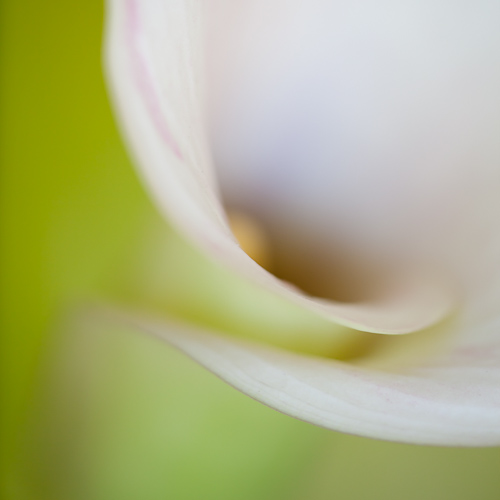
Calla Lily
© Julie Waterhouse
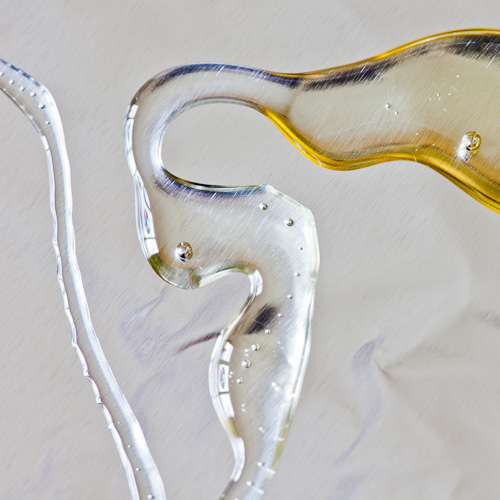
A Drizzle of Honey
© Julie Waterhouse
***C2_invitation_26624243***